Witness
Test on your own app with a small bar that records Pass or Fail and files defects in place.
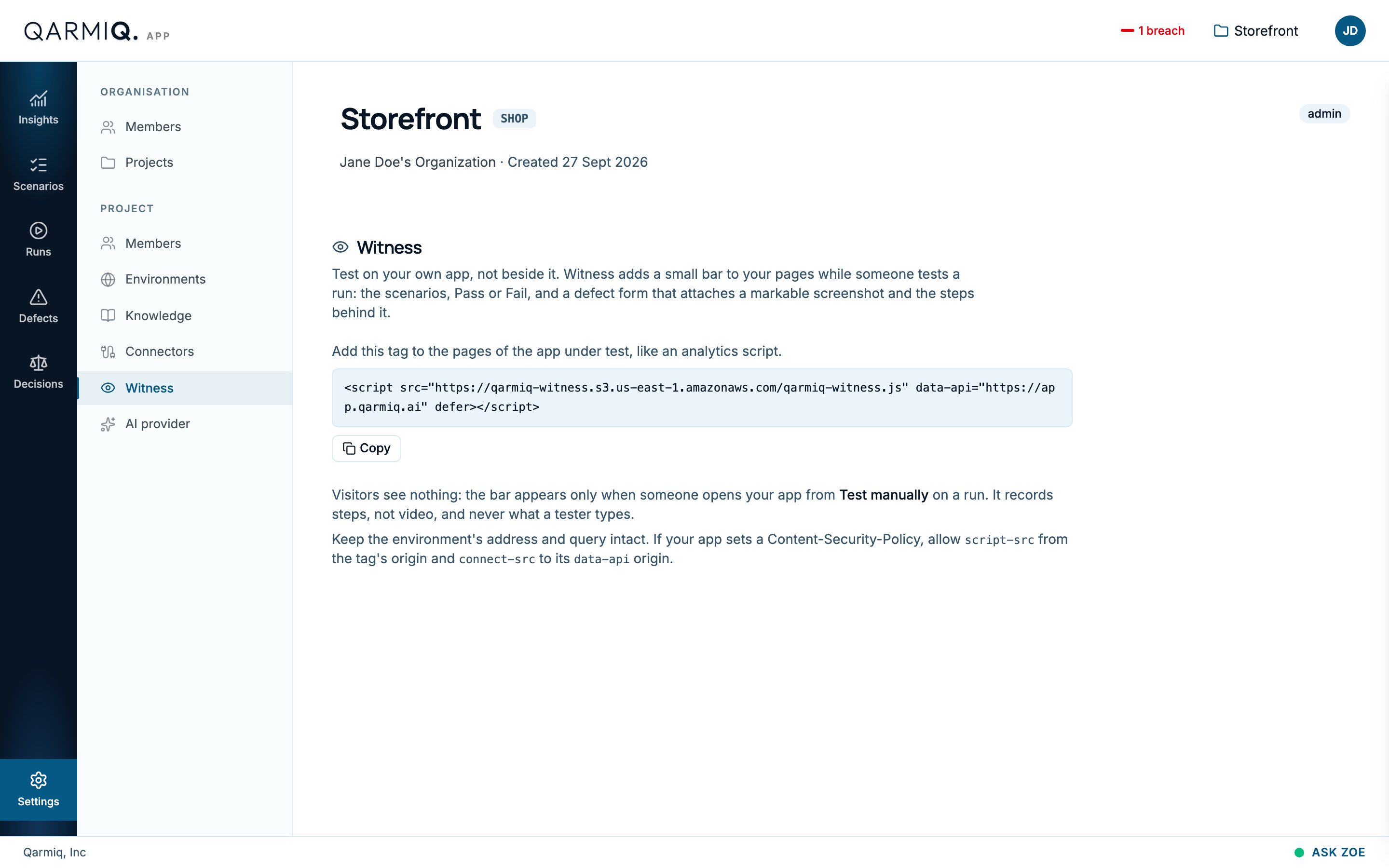
Witness adds a small bar to your own pages while someone tests a run. It shows the scenarios, Pass and Fail, and a defect form that attaches a markable screenshot and the steps behind it. Open Settings, then Witness under PROJECT.
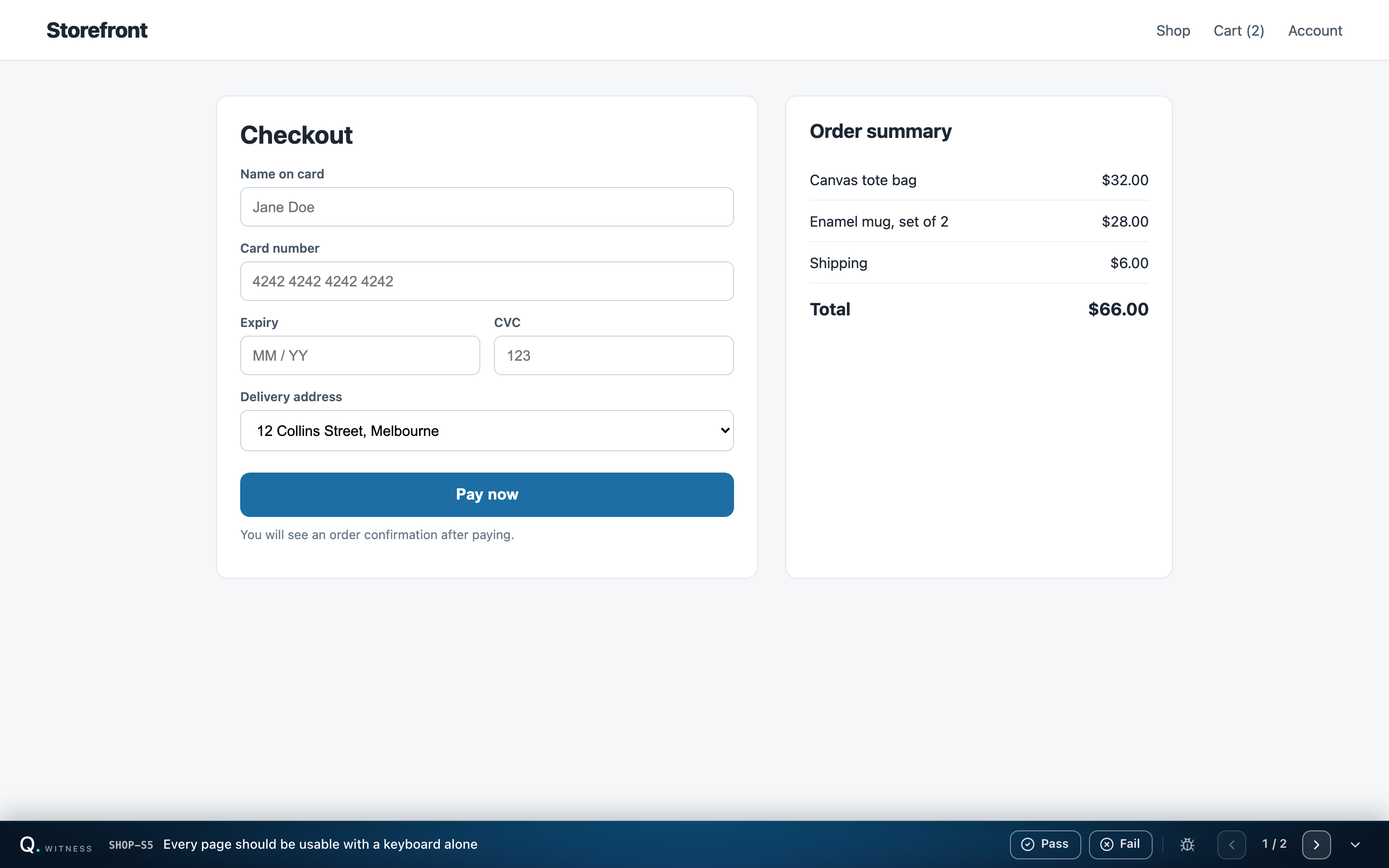
Testers use it as described in Manual testing with Witness.
Install it
Select Copy the Witness script tag and add the tag to the pages of the app under test, as you would an analytics script.
Visitors see nothing. The bar appears only when someone opens your app from Test manually on a run. See Test manually.
It records steps, not video, and never what a tester types.
If your app sets a Content-Security-Policy
Allow script-src from the tag’s origin and connect-src to its data-api origin. Keep the environment’s address and query intact when you open the app.
Last verified against the product on 28 October 2026.