Prove your product keeps its promises.
Learn how to describe what must always be true, verify it across browsers, and keep the evidence. Step-by-step guides for every part of Qarmiq.
Everything you can do, by task
Pick the part of Qarmiq you are working in.
Getting started
Create your account, set up a project and run your first check.
3 guides →Projects and teams
Organise work by project, invite people and control who can see what.
3 guides →Insights and decisions
See how stable the product is, where the risk sits, and what needs a decision.
5 guides →Best practices
Write scenarios and checks that stay useful, and the habits that keep testing healthy.
4 guides →Scenarios and checks
Describe what must always be true, then break it into checks.
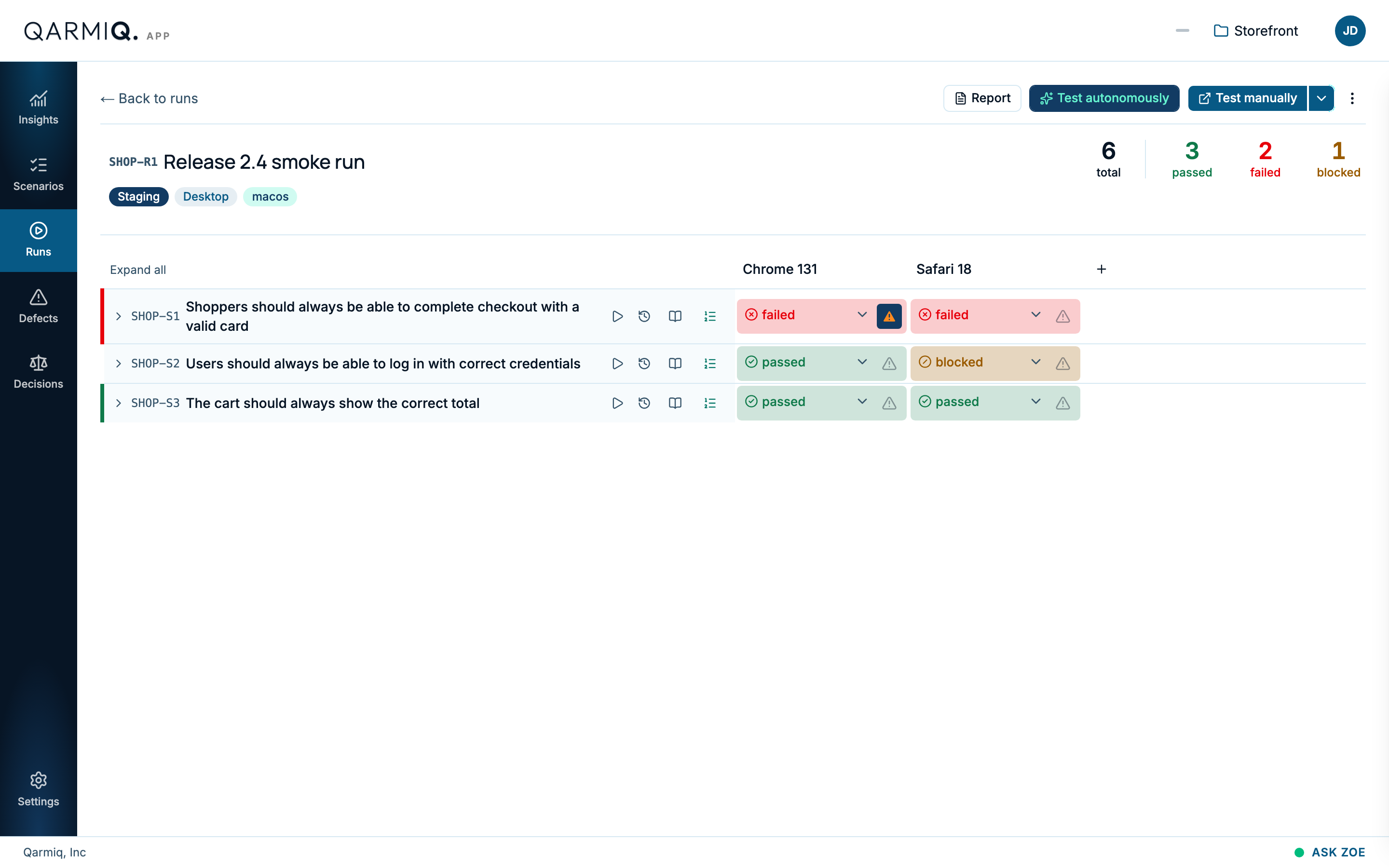
5 guides →Runs and verdicts
Verify your product across browsers and record a clear judgment.
9 guides →Defects
Log, triage and follow issues with the evidence attached.
2 guides →Settings and integrations
Environments, API keys, and connections to the tools you already use.
5 guides →From nothing to your first verdict in three steps
Set up a project
Create an account, add a project and tell Qarmiq where your site runs.
Quick start →Write what must be true
Capture each promise as a scenario, then add the checks that prove it.
Scenarios →Run and record
Verify across browsers, record a verdict for each check and file defects.
Verdicts →
Can't find what you need?
Search every guide with the shortcut below, or browse the full list.