Find your way around
The left rail, the project switcher, your account menu and Zoe, the project assistant.
The left rail
The dark rail on the left is your main navigation inside a project.
| Item | What it opens |
|---|---|
| Insights | The stability radar and executive summary. See Stability radar. |
| Scenarios | What must always be true, and the checks that prove it. |
| Runs | Deliberate verification passes and their results. |
| Defects | Problems found while testing. |
| Decisions | Everything Qarmiq proposes, waiting for a person. |
| Settings | Organisation and project settings. |
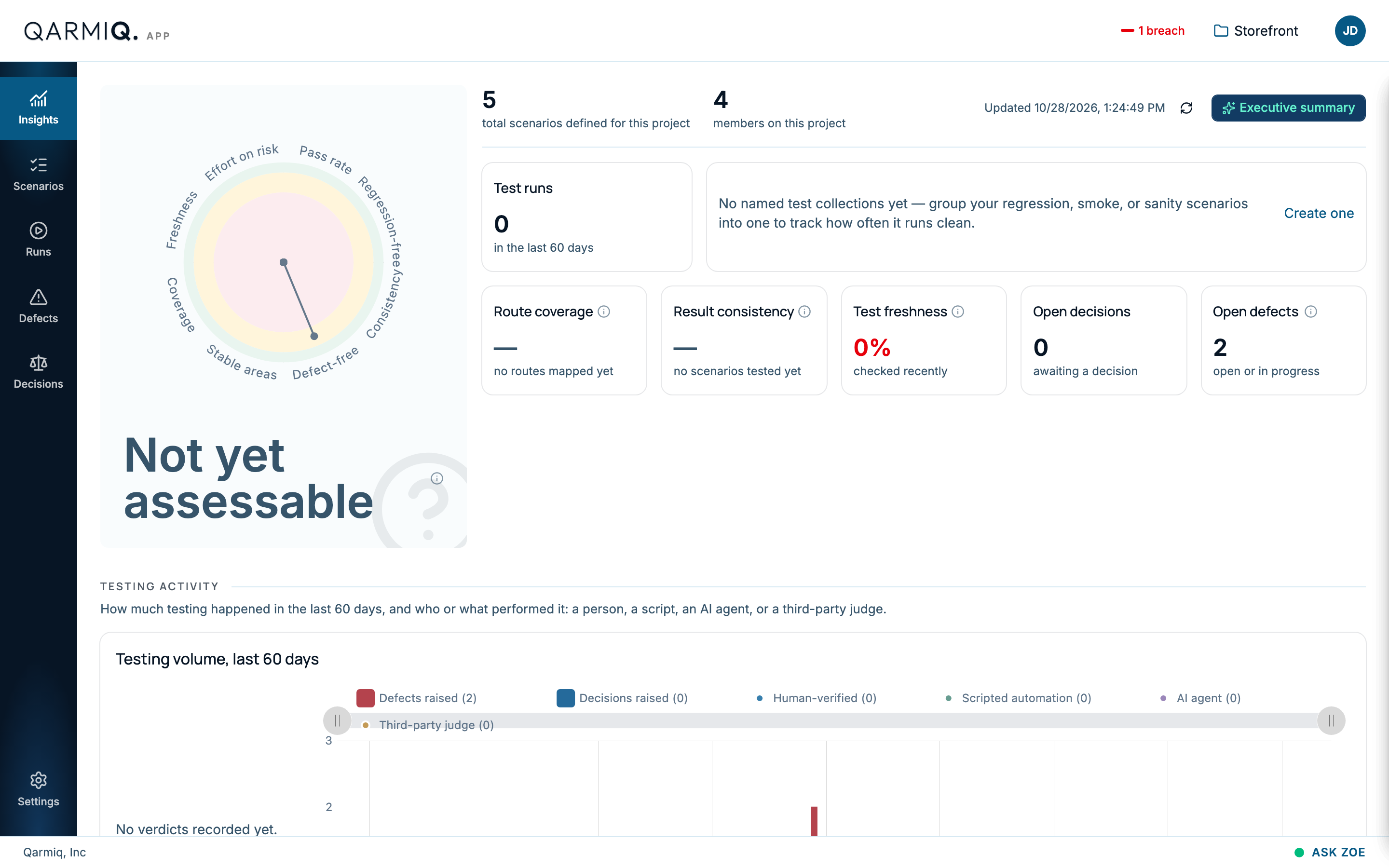
Settings
Settings opens a second rail. ORGANISATION holds Members and Projects. PROJECT holds Members, Environments, Knowledge, Connectors and Witness.
The project switcher
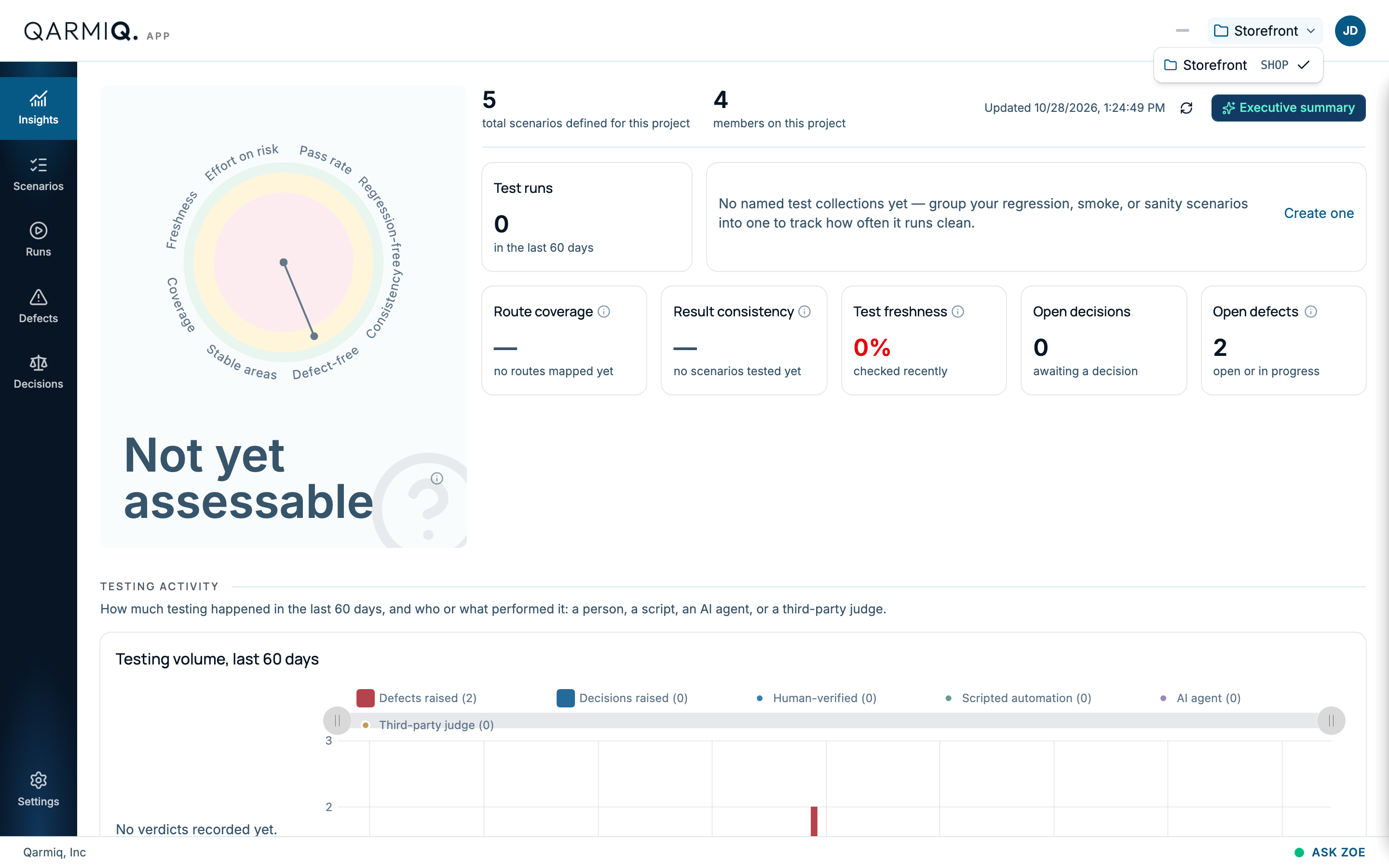
The project name at the top right shows where you are. Select it to move to another project.
Your account menu
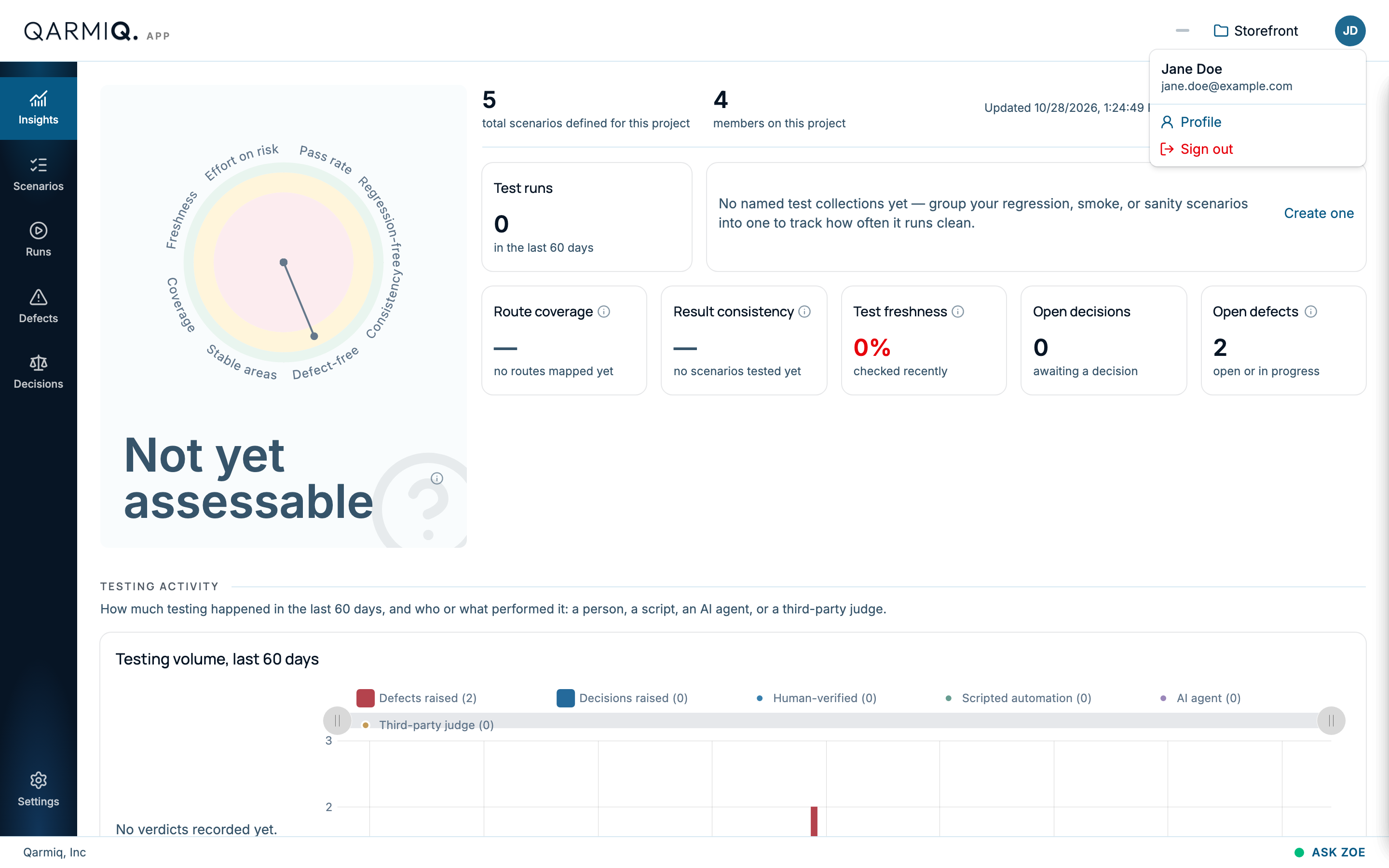
Your initials at the top right open the account menu, with Profile and Sign out.
Zoe, the project assistant
Inside a project, ASK ZOE at the bottom right opens Zoe, an assistant that answers questions about the project. Ask what is failing, when something was last tested, or how to do something in Qarmiq. Zoe checks the project’s data before she answers.
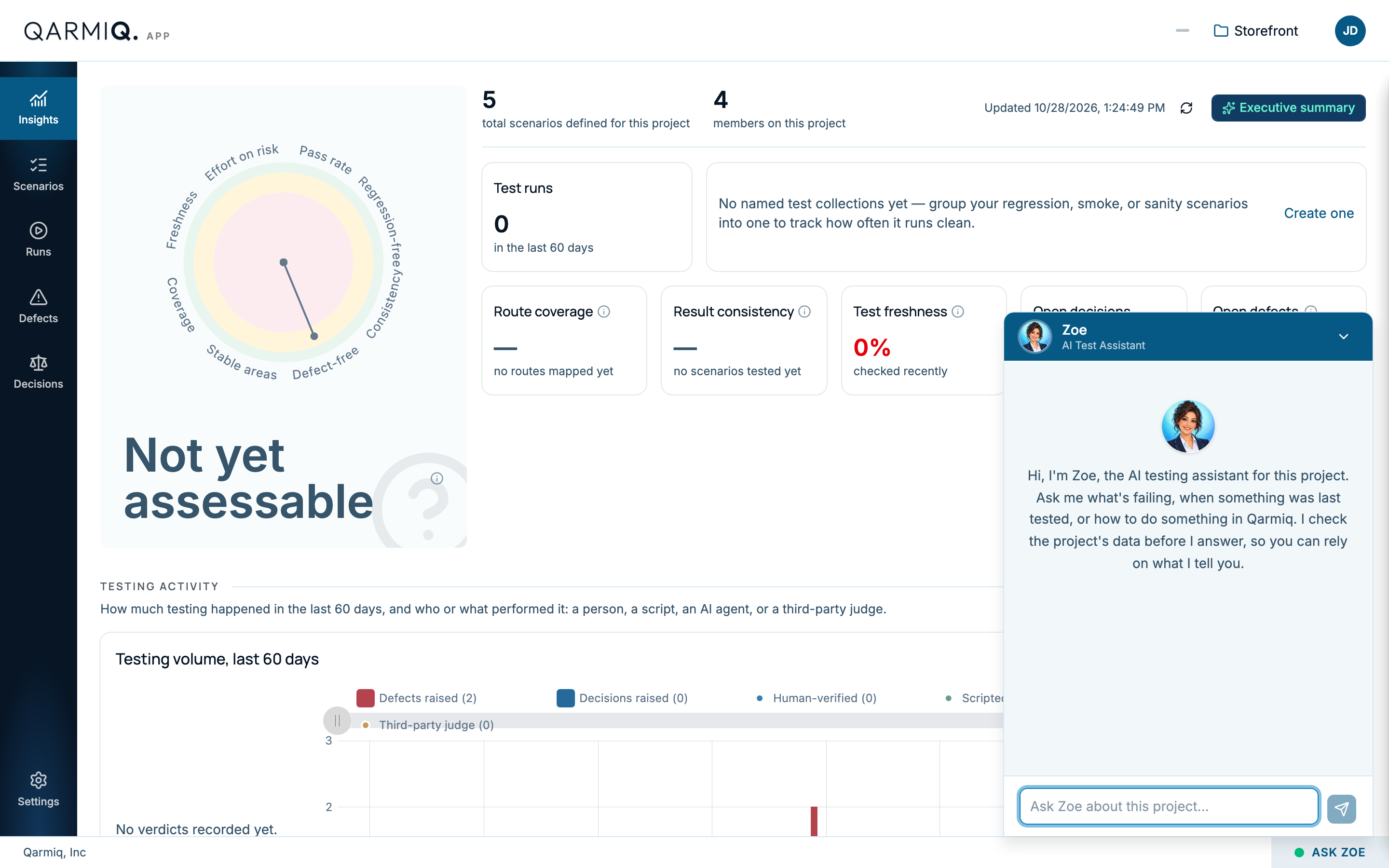
Zoe can prepare a defect or a run for you to submit. She never changes anything herself. See Zoe.
Last verified against the product on 28 October 2026.