Docs / Settings and integrations
Connectors
Bring results from tools you already use into the run grid.
A connector brings the results of another tool, such as an AI evaluation suite or a load or security tool, into Qarmiq’s run grid. The tool decides pass or fail, and Qarmiq records its verdict. Open Settings, then Connectors under PROJECT.
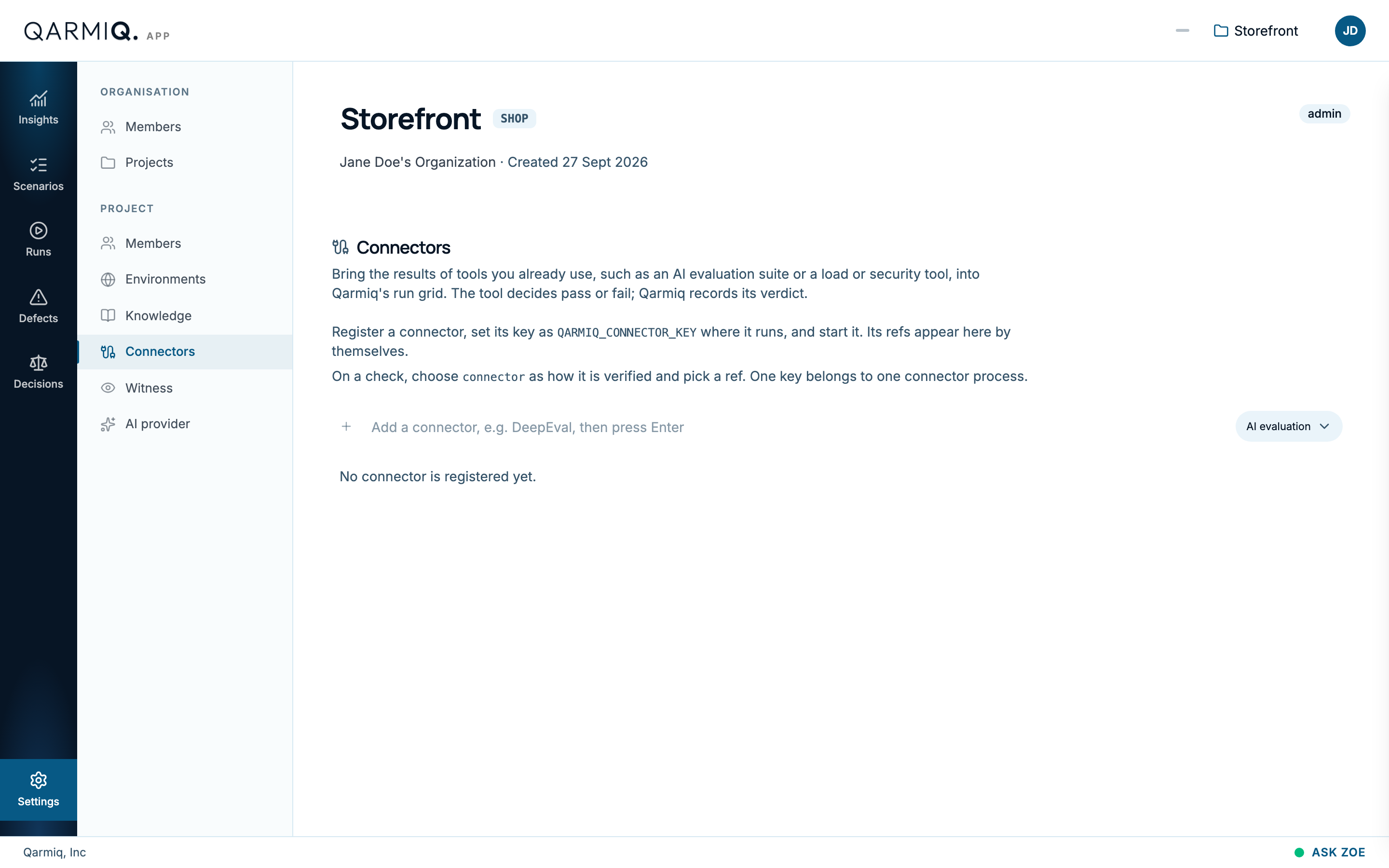
- In Add a connector, type a Connector name, such as DeepEval, choose the Kind of tool and press Enter.
- Register it, then set its key as
QARMIQ_CONNECTOR_KEYwhere the tool runs and start it. Its checks appear on this page by themselves. - On a check, choose connector as how it is verified and pick one.
One key belongs to one connector process.
Last verified against the product on 28 October 2026.