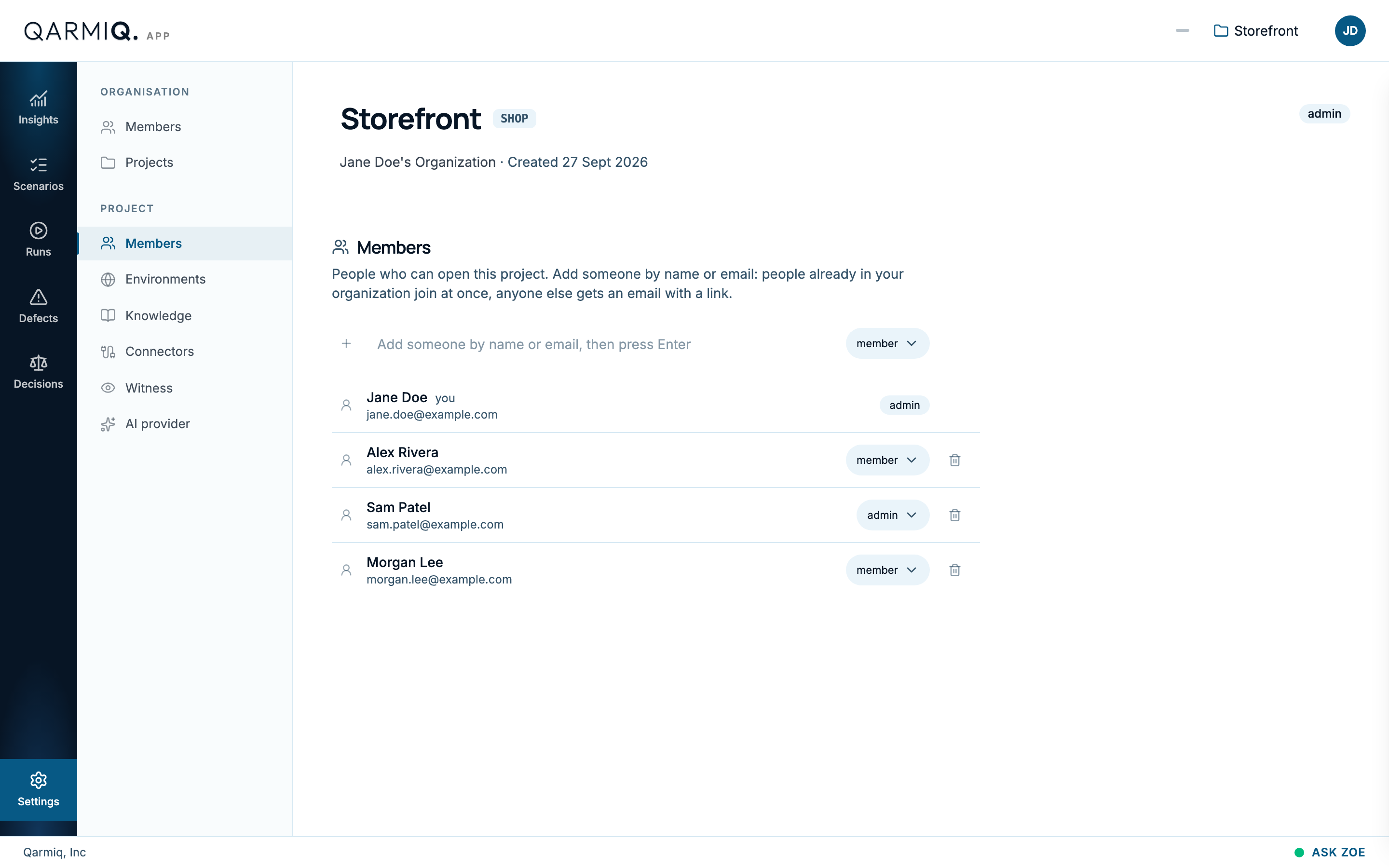
Each project has its own list of members, separate from your organisation. Open Settings, then Members under PROJECT.
Roles
| Role | Can do |
|---|---|
| admin | Change project settings, environments and knowledge, and manage members. |
| member | Work with scenarios, runs and defects. |
Add someone
- Type their name or email in the box that says Add someone by name or email.
- Choose a role in Role for the person being added.
- Press Enter.
People already in your organisation join at once.
Change a role or remove someone
Administrators change a role from the dropdown beside a person, or select Remove. People who are not administrators see the list but cannot edit it.
Last verified against the product on 28 October 2026.