Docs / Projects and teams
Your organisation
See who is in your organisation, change roles and rename it.
Your organisation is the group of people and projects you work with. Qarmiq creates one for you when you register. Open Settings, then Members under ORGANISATION.
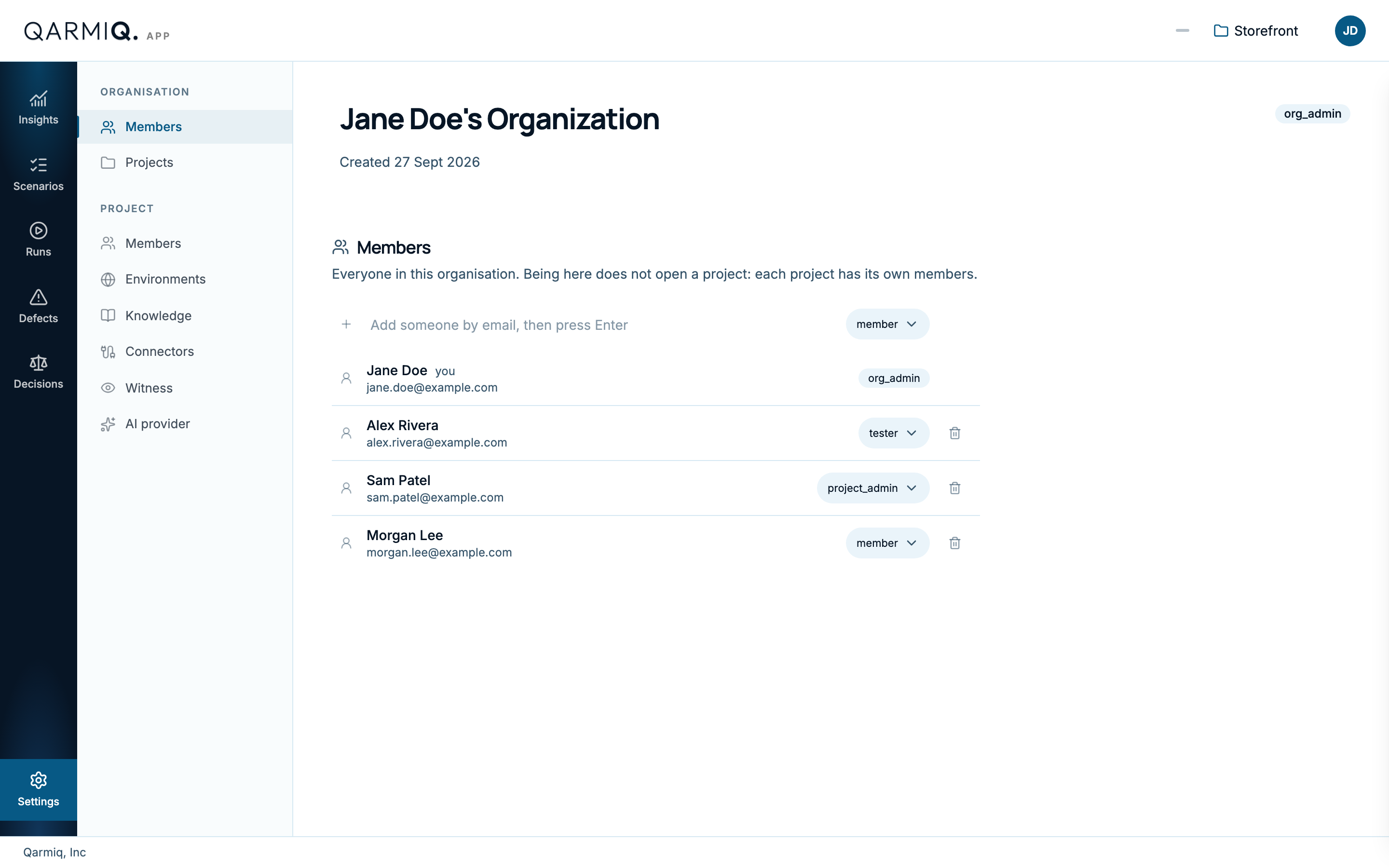
The page shows the organisation name and your role, then everyone in it with their name, email and role. Being in the organisation does not open a project: each project has its own members. See Project members.
Roles
| Role | Can do |
|---|---|
| org_admin | Everything in the organisation, including members and settings. |
| project_admin | Create projects and administer the projects they belong to. |
| tester | Work in the projects they are added to. |
| member | View and contribute in the projects they are added to. |
Add someone
Organisation administrators enter the Email of the person to add, choose a role and add them. Choose a person’s role from the dropdown beside their name to change it, or select Remove.
Rename the organisation
Administrators select Rename organisation beside the name, edit it and save.
Last verified against the product on 28 October 2026.