Quick start
Create an account, add a project and see your first run, in the order you will do it.
Qarmiq helps you prove that the things your product must always do still work. You write each promise once, test it on the environments and browsers that matter, and keep the evidence.
Create your account
- Open Qarmiq and choose Register.
- Enter your Name, Email and a Password of at least 10 characters that has not appeared in a breach.
- Select Register, then open the confirmation link sent to your email.
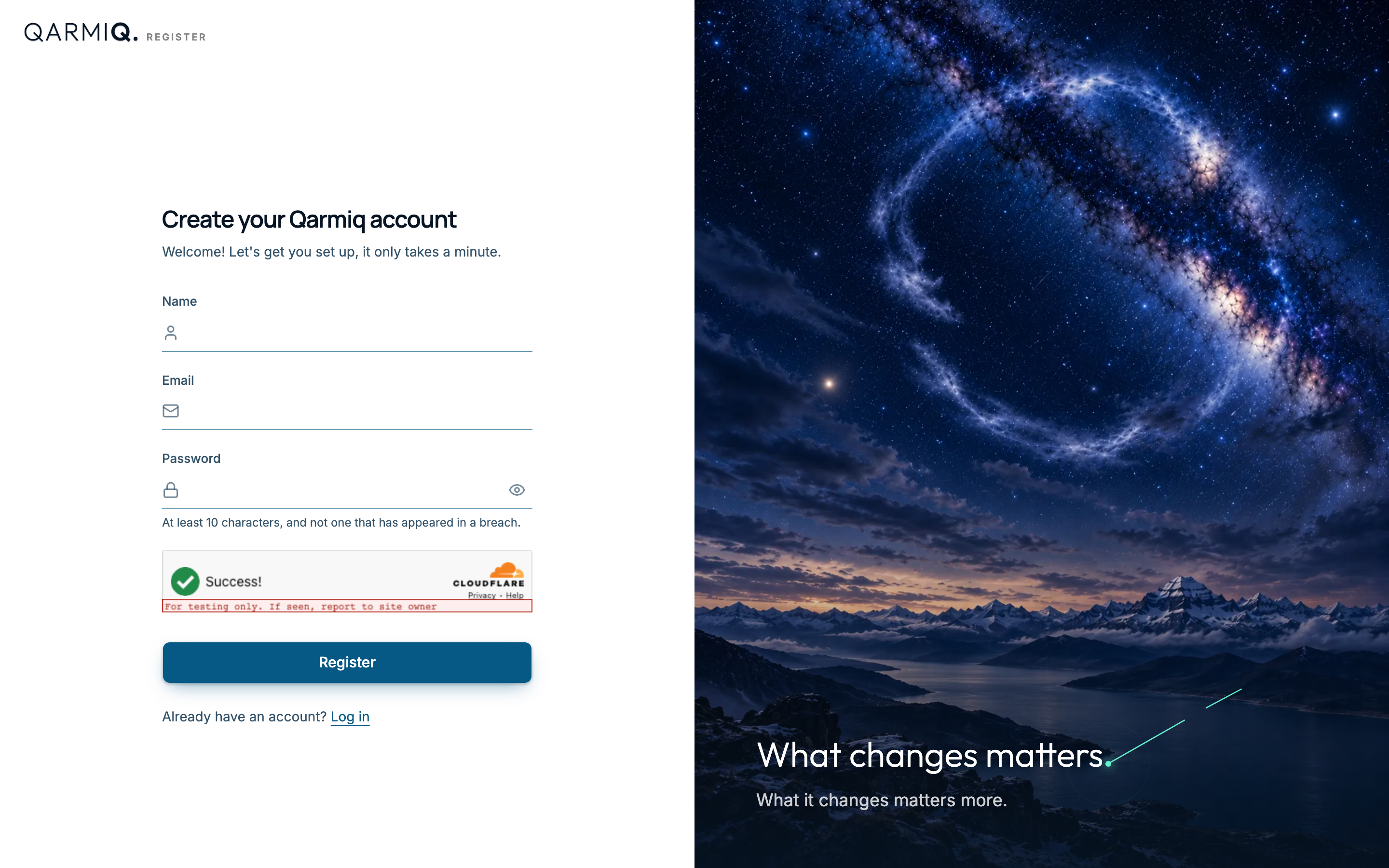
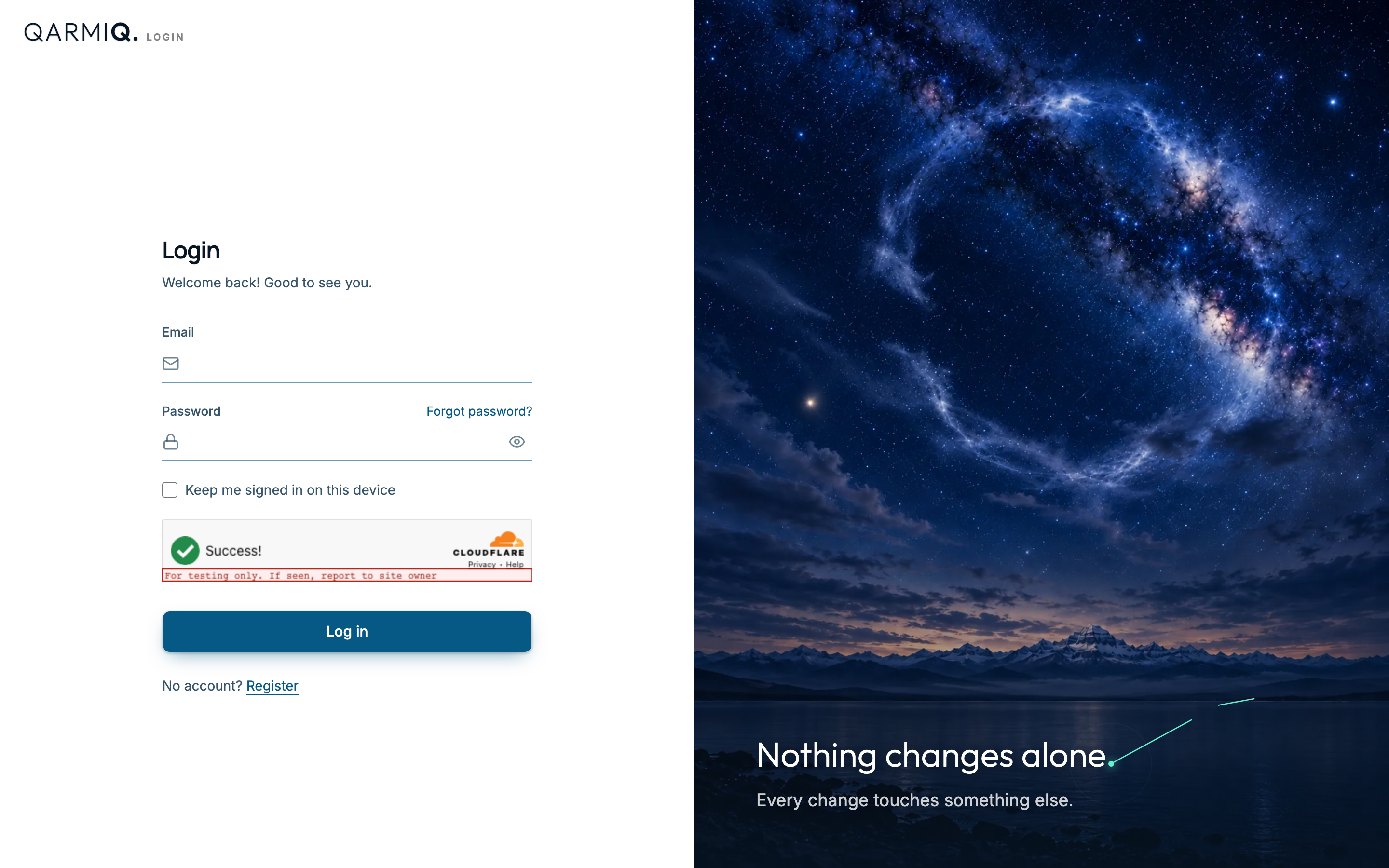
Qarmiq creates a personal organisation for you, and you become its administrator. Next time, use Log in with the same email and password.
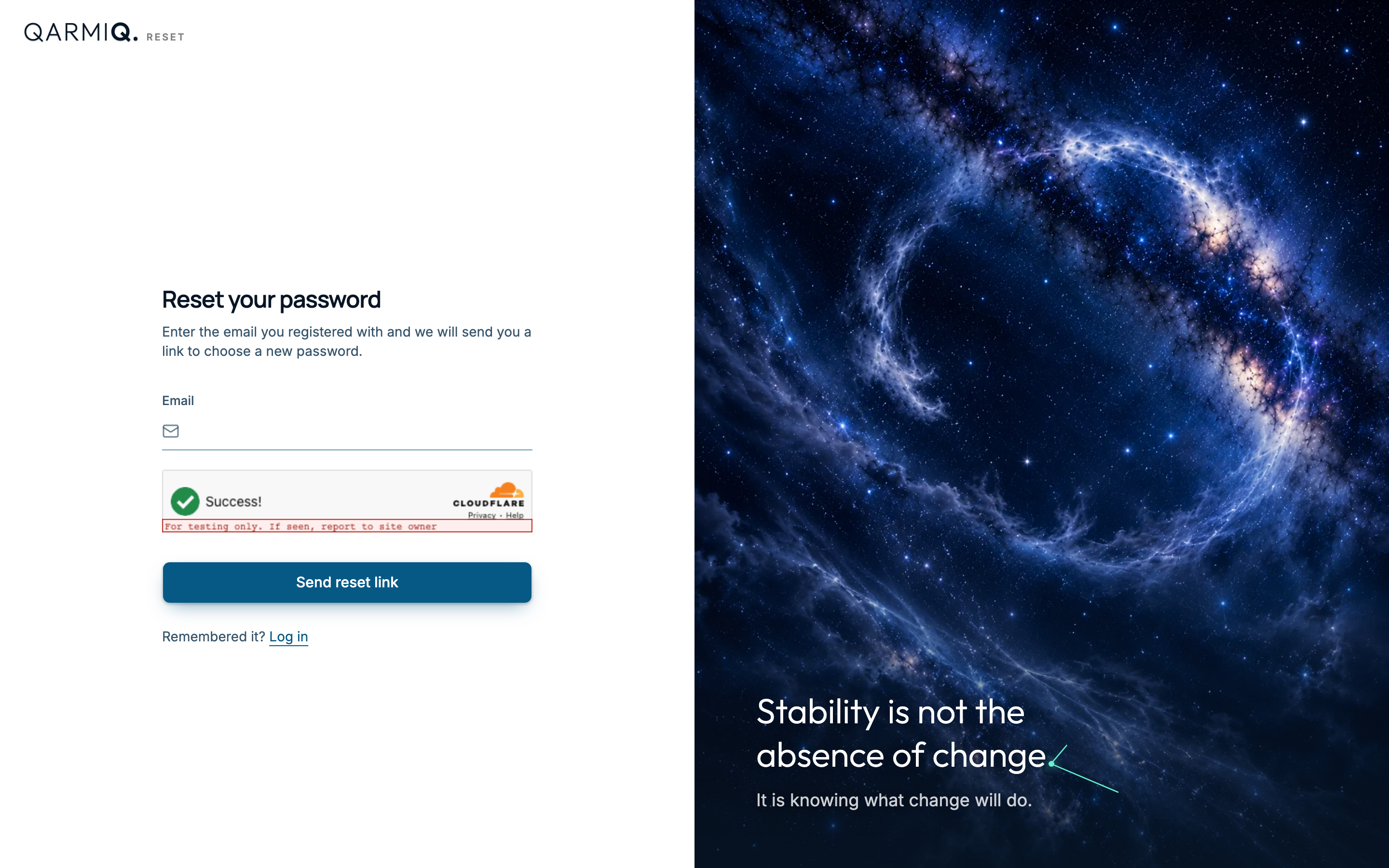
If you forget your password, select Forgot password?, enter your email and select Send reset link.
Create a project
A project holds everything for one product or website.
- Open Settings, then Projects under ORGANISATION.
- Enter a Project name. Qarmiq suggests a Project key, a short code such as
SHOP, that you can change. - Add the project.
See Projects.
Add an environment
Open Environments under PROJECT in Settings and add the site you test, for example a staging address. See Environments.
Write your first scenario
A scenario is something that should always be true, such as “Users should always be able to log in”. Go to Scenarios, type the statement in the row at the top, and add the checks that prove it. See Scenarios and Checks, and Write good scenarios for what makes a good one.
Run and record verdicts
On Scenarios, select Run, choose a device and environment, and create the run. Open the run and set a verdict for each scenario in each browser. See Runs and Verdicts.
Read the result
Insights shows how stable the product is, and Decisions collects everything that waits for you. See Stability radar.
Last verified against the product on 28 October 2026.