Zoe
Ask the project assistant about what is failing, what was last tested, or how to do something.
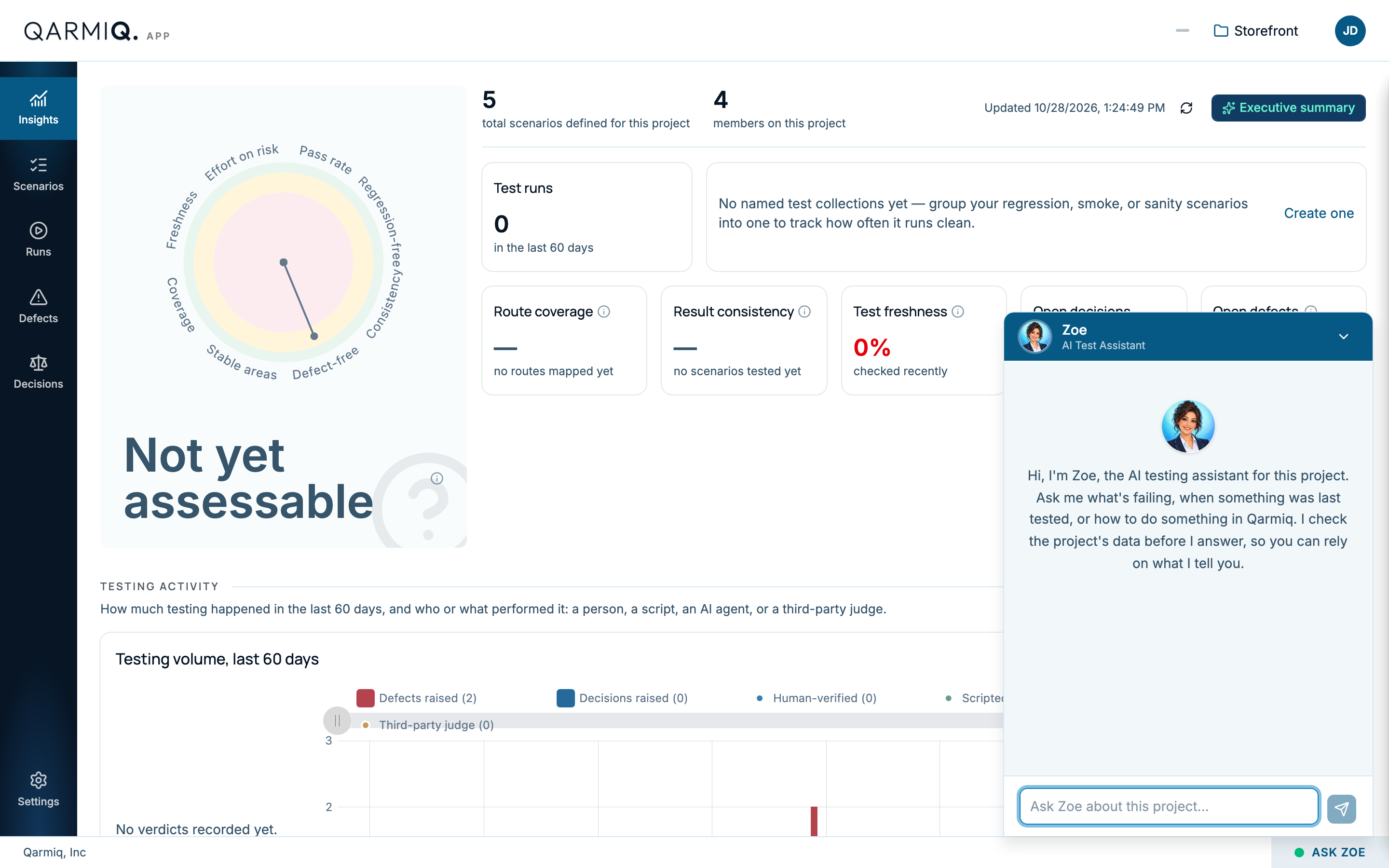
Zoe is the AI testing assistant for a project. She is at the bottom right of every project page, as ASK ZOE.
What to ask
Type in the box that says Ask Zoe about this project and select Send message. Good questions are:
- What is failing right now, and where?
- When was the checkout last tested?
- How do I add a browser to a run?
Zoe checks the project’s data before she answers, so what she tells you reflects what is in the project today. She can also explain a number on Insights or a step in the stabilisation plan.
What she can do
She can take you to a page, and she can draft a defect or a run for you. A draft opens in the normal dialog, filled in, and nothing is saved until you submit it. She never changes anything herself.
If a question is not about the project, she will say so. Close her with Close Zoe.
Last verified against the product on 28 October 2026.