Merge and collections
Combine duplicate scenarios, and group scenarios into named collections you run together.
Both live in the toolbar at the top right of Scenarios.
Merge duplicates
Two scenarios sometimes say the same thing. Select Merge. The page says “Pick two scenarios to merge.” Select two rows, then Merge selected (it shows how many you have picked). Cancel leaves merge mode.
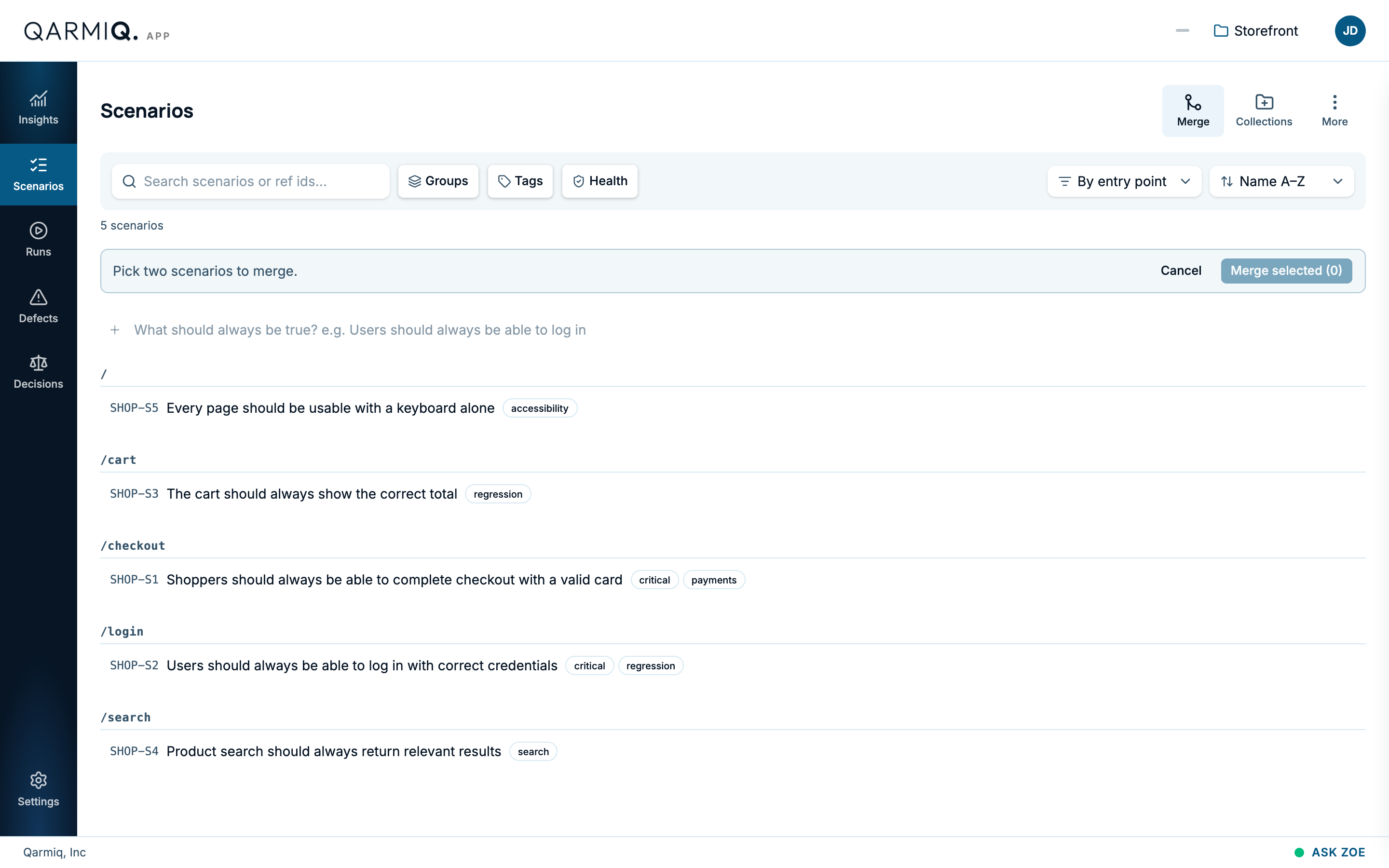
The Merge scenarios page shows two columns of checks: the survivor and the one being retired. The ⓘ, How merging works, says:
- Keep one scenario and fold the other into it.
- Drag a check from the retired side to copy it onto the survivor.
- A copy starts with no verdict history. The original stays on the retired scenario with its own.
- The survivor’s checks can be edited, reordered or removed, but not moved across.
To swap which scenario survives, make the other one the survivor and confirm. You can also add a new check, edit the survivor’s statement, and restore a check you removed. When you are ready, select Merge at the top. A confirmation spells out what will happen. A merge can be undone. Qarmiq also suggests duplicates itself, as a Scenario arrangement on Decisions.
Collections
A collection is a named set of scenarios, such as “Regression” or “Smoke”. Select Collections, then Add collection, to make one.
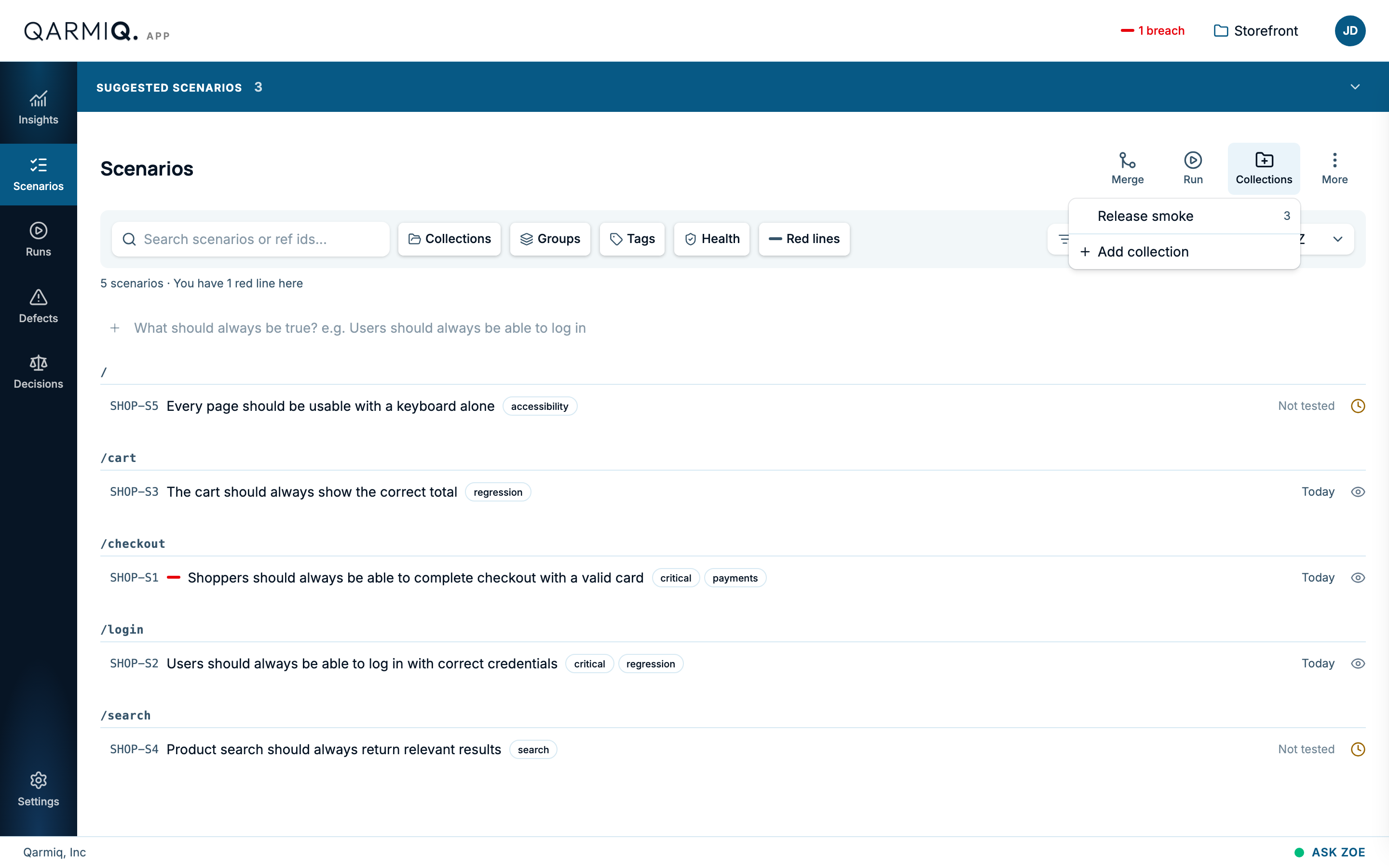
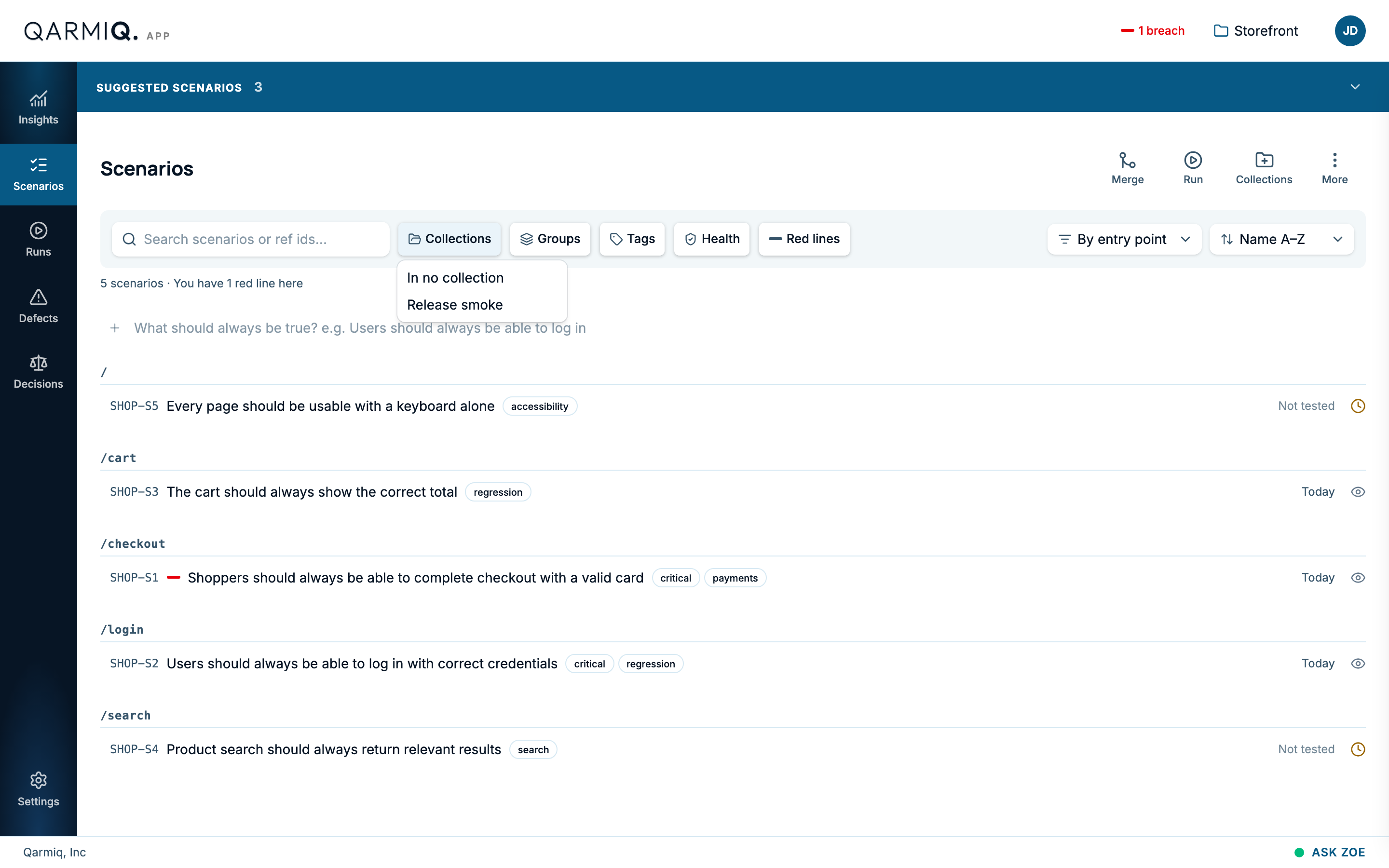
The Collections filter beside the search box shows only the scenarios in one collection.
Once a collection exists, Insights tracks how often it runs clean and when it last ran. See Stability radar.
Last verified against the product on 28 October 2026.