Test manually and autonomously
Have a person test on your own app, or send the AI agent to do it.
Two buttons sit at the top of a run.
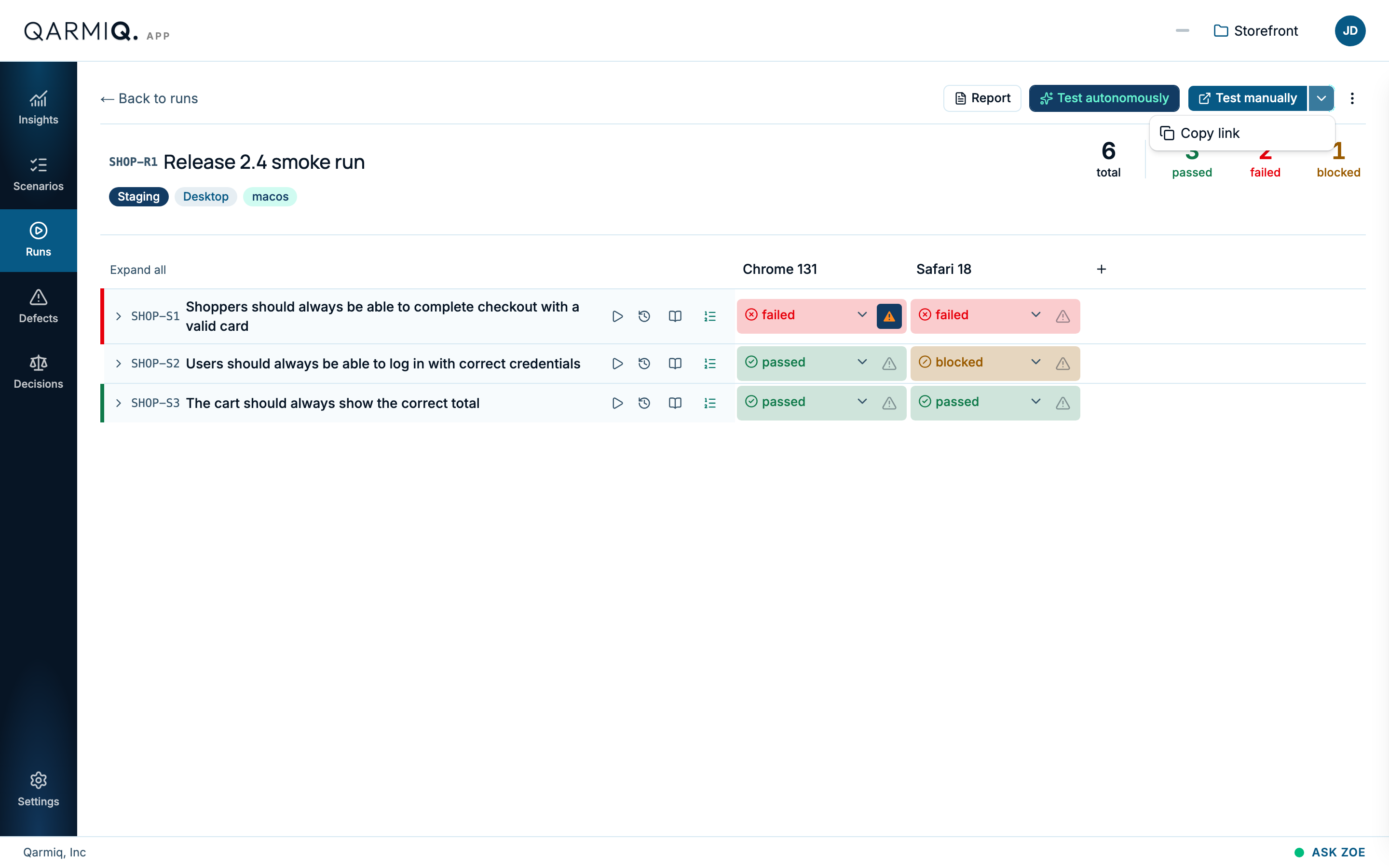
Test manually
Test manually opens your environment’s address in a new tab with a secure token attached. The Witness bar appears on your app, so a tester can see the scenarios, mark Pass or Fail and file a defect from the page itself. Pass and Fail write straight into the run.
To hand the link to someone else, open More ways to test manually and select Copy link.
For how the bar works, see Manual testing with Witness. To read what a tester did, see Manual test log.
Witness must be installed on the app under test. It records steps, not video, and never what a tester types.
Test autonomously
Test autonomously sends an AI agent to test the run in a real browser. A separate AI judge decides pass, fail or inconclusive from the evidence the agent collected. Checks marked for human verification are skipped.
The agent needs an environment it can sign in to. See Environments. To test one scenario only, use its play icon in the grid. When a test is done, read what it did in Autonomous test results.
Last verified against the product on 28 October 2026.